GitOps
GitOps for Kubernetes with Argo CD
Deploy to Kubernetes from Git with Argo CD, and keep clusters in sync with what the repo says.
What is GitOps?
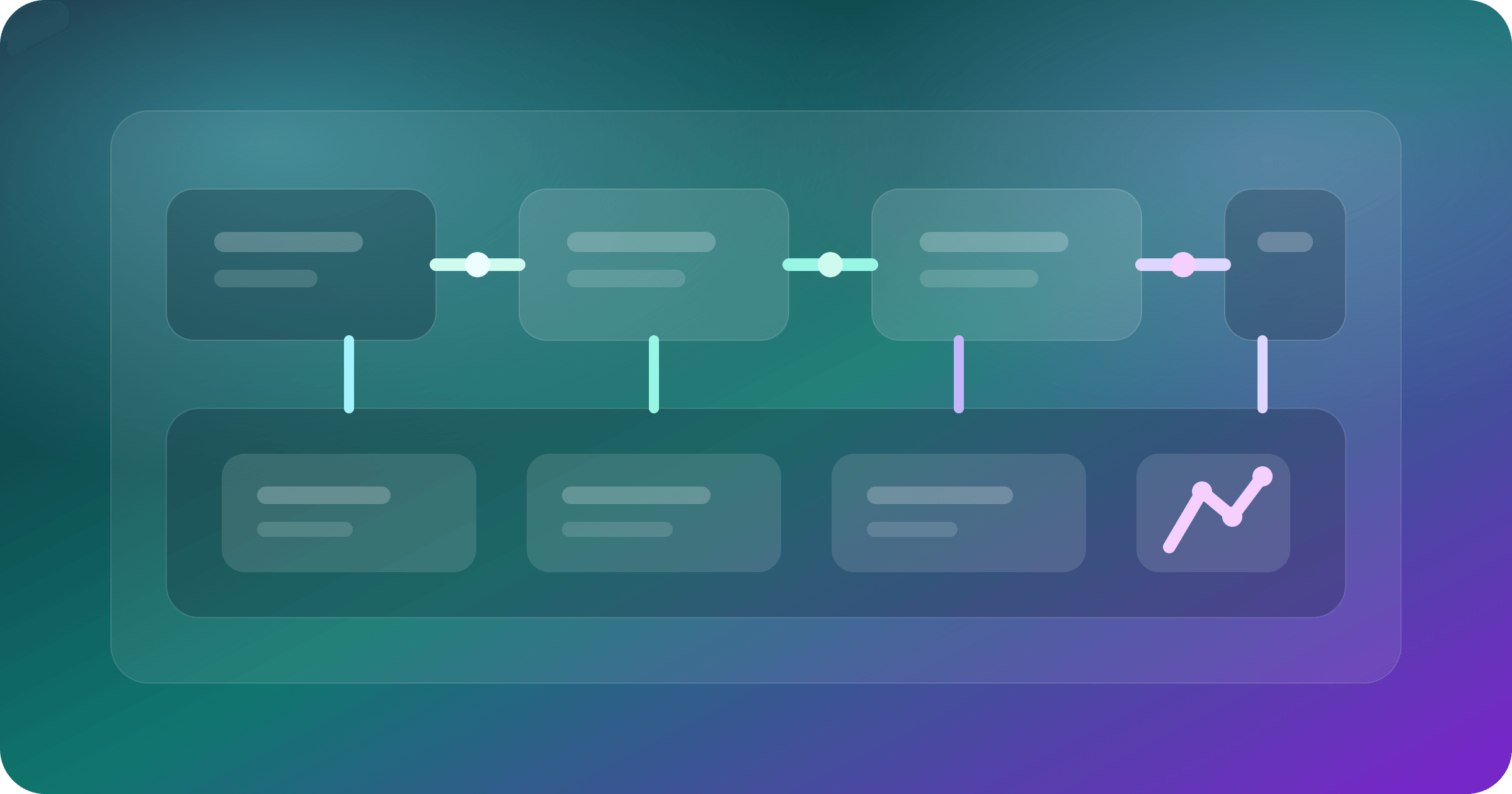
GitOps is a way of managing infrastructure and application delivery with Git as the source of truth. Pull requests are used to propose and review changes, which gives teams a fully auditable workflow and a clearer path into production.
By keeping configuration in Git, teams can align development, staging, and production more closely, reduce drift, and build confidence around change. Infrastructure as code is part of that model. Changes should be committed and reviewed in version control rather than made ad hoc through a console. If a console change is unavoidable, it should be short-lived and reflected back into Git as quickly as possible.
What is Argo CD?
Argo CD is a GitOps tool for Kubernetes. It uses Git repositories as the desired state for applications and supports common declarative patterns such as Helm, Kustomize, Jsonnet, and plain directory-based manifests. It can also work with config management plugins where needed. Sources: Argo CD tool detection.
Argo CD runs as a controller in the cluster, continuously comparing the live state with the desired state defined in Git. It highlights drift, supports both manual and automated sync, and gives teams a clear view of what changed and when.
Argo CD applications are defined as Kubernetes resources and can be managed through the UI, CLI, or Git. A typical Application looks like this:
apiVersion: argoproj.io/v1alpha1
kind: Application
metadata:
  name: guestbook
  namespace: argocd
spec:
  project: default
  source:
    repoURL: https://github.com/argoproj/argocd-example-apps.git
    targetRevision: HEAD
    path: helm-guestbook
  destination:
    server: https://kubernetes.default.svc
    namespace: guestbook
This defines an application called guestbook, including the source repository, target cluster, and target namespace.
Sync Policies in Argo CD
The syncPolicy block controls how Argo CD applies changes from Git. An automated policy allows Argo CD to reconcile drift and deploy changes without requiring a manual sync every time.
syncPolicy:
  automated:
    prune: true
    selfHeal: true
    allowEmpty: false
  syncOptions:
    - Validate=false
    - CreateNamespace=true
    - PrunePropagationPolicy=foreground
    - PruneLast=true
  retry:
    limit: 5
    backoff:
      duration: 5s
      factor: 2
      maxDuration: 3m
This configuration enables automated sync, pruning, and self-healing. It also adds retry behaviour and useful sync options to fine-tune how deployments are applied.
Validate=falsedisables resource validation during sync.CreateNamespace=trueensures the namespace exists before deployment.PruneLast=truedelays pruning until the end of the sync.
For the full Application schema and sync options, the official docs are still the best reference point: Argo CD Application specification.
Getting Started with Argo CD
Installation
You can install Argo CD in your cluster with:
kubectl create namespace argocd
kubectl apply -n argocd -f https://raw.githubusercontent.com/argoproj/argo-cd/stable/manifests/install.yaml
Once installed, access the UI with port-forwarding:
kubectl port-forward svc/argocd-server -n argocd 8080:443The UI will then be available on localhost:8080. The default username is admin, and you can retrieve the initial password with:
kubectl -n argocd get secret argocd-initial-admin-secret -o jsonpath="{.data.password}" | base64 -dCreating Your First Application
Once you have logged in, create a new application and point it at a repository such as argocd-example-apps. If you are deploying to the same cluster where Argo CD is installed, use in-cluster as the destination.
Depending on the chosen sync policy, the application will either reconcile automatically or remain OutOfSync until you sync it manually. Once it is running, Argo CD gives you a clean view of resources, health, sync status, and source details.
Monitoring Argo CD
Argo CD becomes much more useful when it is treated as part of the platform operating model rather than just another deployment UI.
Notifications
Argo CD Notifications can send updates to tools such as Slack, Teams, email, GitHub, or custom webhooks. Triggers and templates give you control over when notifications are sent and what they contain, which is useful for failed syncs, degraded applications, or health transitions.
Prometheus Metrics
Argo CD exposes Prometheus metrics, and the notifications controller exposes its own metrics as well. That makes it straightforward to monitor sync behaviour, notification delivery, and application health in the rest of your observability stack. Source: Argo CD notifications monitoring.
Grafana Dashboards
Because Argo CD exposes Prometheus metrics, it also fits neatly into Grafana. A small set of dashboards can give platform teams a good view of sync activity, deployment health, application drift, and the overall rhythm of change across environments.
Settle the sync policy early
The decision that shapes everything afterwards is whether you run auto-sync with prune and self-heal, or keep syncs manual. Make it early, on a low-risk application, and watch what happens rather than arguing it in the abstract. Argo CD exposes sync activity and drift as Prometheus metrics from day one, and a fortnight of that data settles the question faster than a policy document will.
Related articles
Kupe Cloud is in alpha: Kubernetes, without the assembly
Kupe Cloud is in alpha. We built it after wiring the same GitOps, secrets, ingress, and observability layer around Kubernetes clusters one time too many.

Progressive delivery on Kubernetes with Argo Rollouts
Learn how to use Argo Rollouts on Kubernetes for canary and blue-green deployments, automated rollback, and GitOps-based progressive delivery.

Tetragon on Kubernetes: in-kernel runtime enforcement
A Tetragon Kubernetes tutorial: installation, TracingPolicy design, monitor mode, and the difference between detecting a runtime event and blocking it in-kernel.

What good developer experience looks like in Kubernetes
Good Kubernetes developer experience comes from shorter feedback loops, lower cognitive load, and workflow defaults that keep developers out of raw YAML.

PodSecurityPolicy replacement: Pod Security Admission
A practical PodSecurityPolicy replacement guide: roll out Pod Security Admission in stages, pin policy versions, and avoid the traps that break workloads.

Renovate for platform engineers: Helm, images, OpenTofu
A practical Renovate Kubernetes guide: keep Helm charts, Argo CD manifests, image tags, OpenTofu providers, and GitHub Actions current without the PR flood.